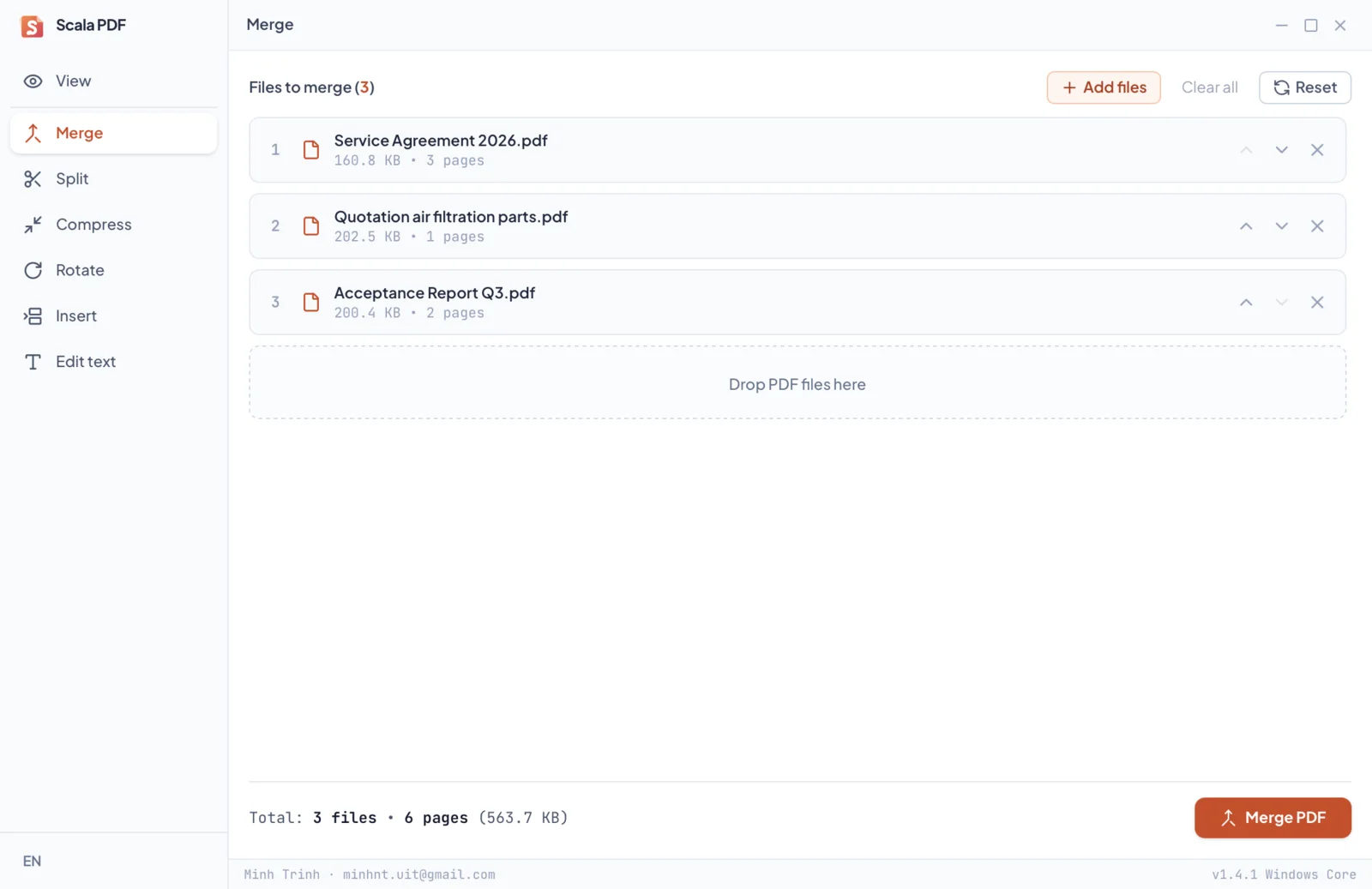
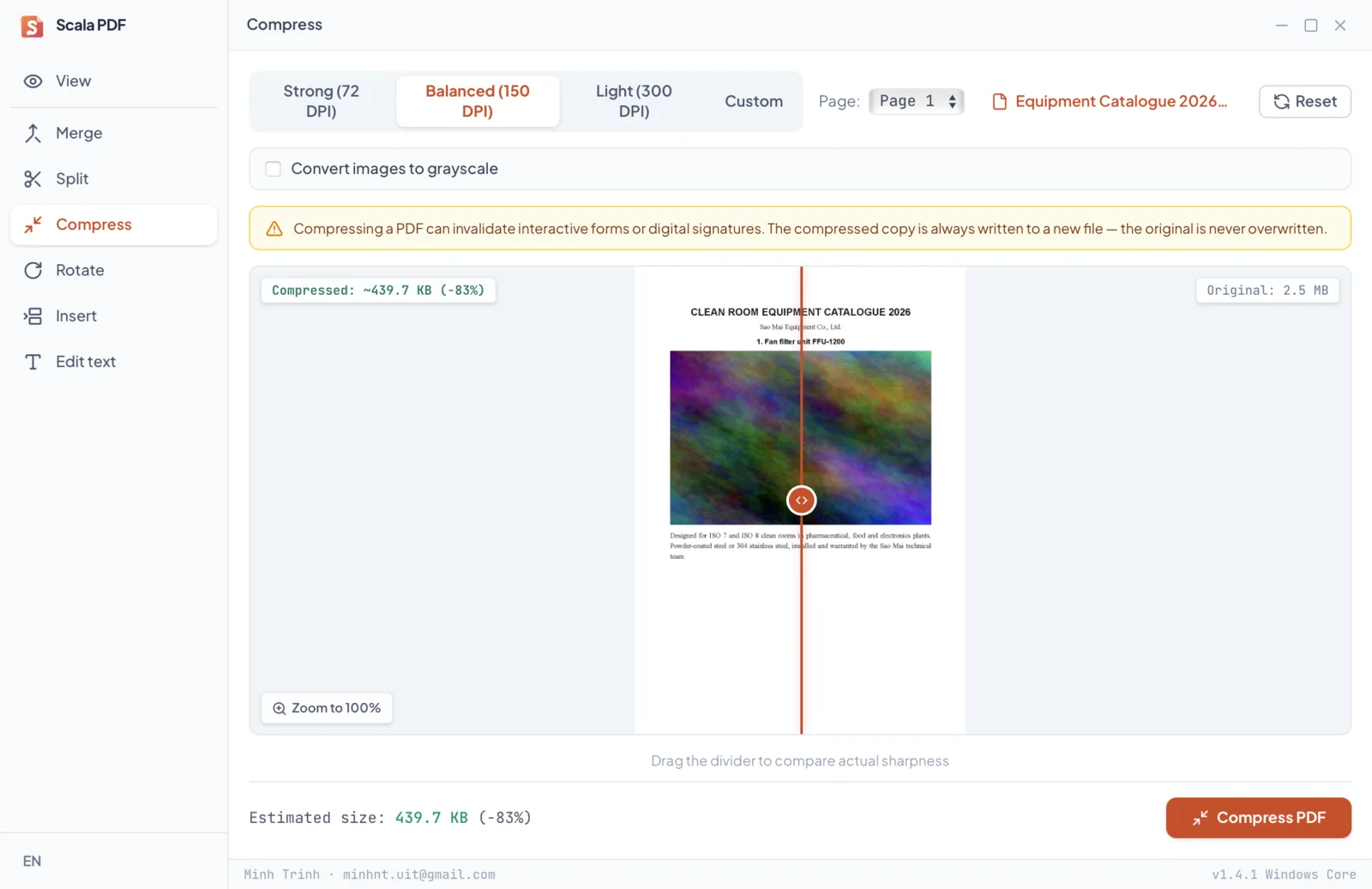
Intuitive and productive: drag and drop files, customize your options, and export results. Switch between tabs freely without losing document state or interrupting background tasks.
View documents
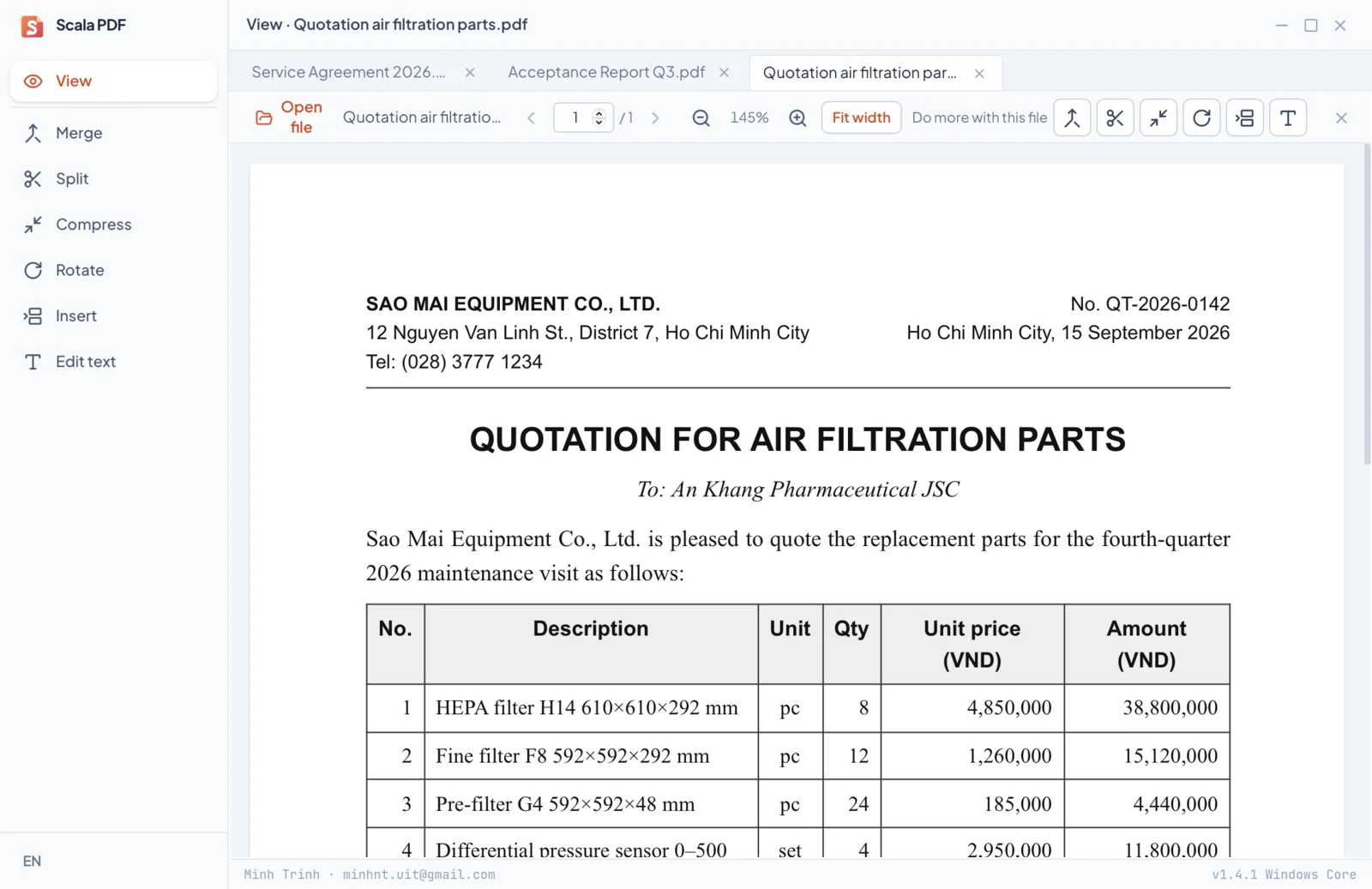
Open multiple PDF documents simultaneously in convenient sub-tabs, each automatically remembering its page position and zoom level. Handles documents spanning thousands of pages with ease thanks to intelligent viewport-based rendering.
- Opens password-protected files securely. Passwords are held in memory during the active session only and deleted immediately when the application closes.
- Instant task transition: The "Do more with this file" action sends your current document directly to Merge, Split, Compress, Rotate, Insert, or Edit Text without re-opening.
- Easily verify completed outputs across any tab with the "View result" button.
Split documents
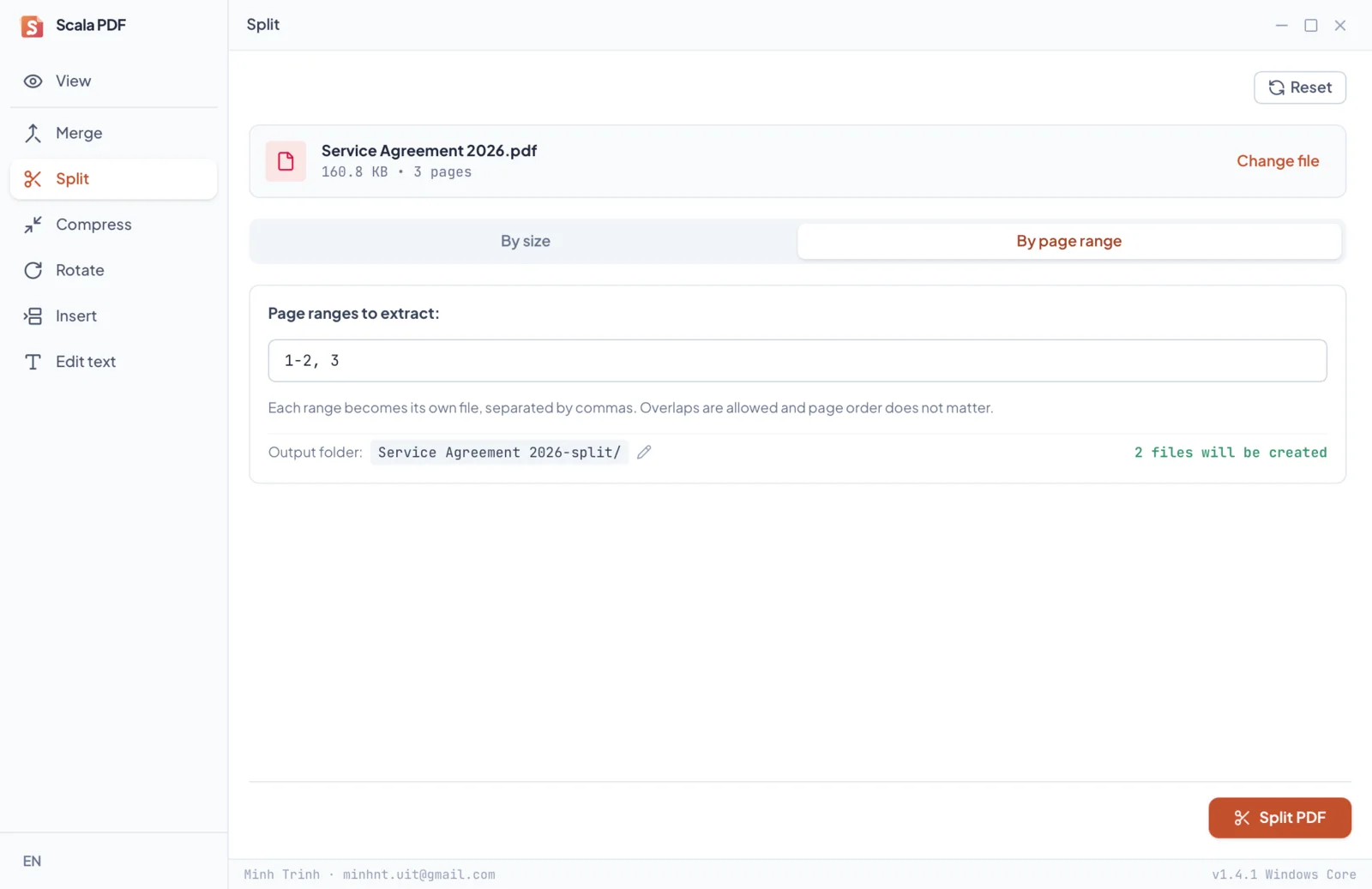
Two flexible splitting modes tailored to your workflow: extract custom page ranges (such as 1-5, 8, 10-12) into individual files, or split automatically by maximum file size — ideal for email attachments and portal upload limits.
- Size-based splitting automatically calculates the optimal number of parts and warns you if any single page exceeds the target threshold.
- Preview generated parts immediately. If cancelled midway, all successfully written sections remain safely preserved.
Rotate pages
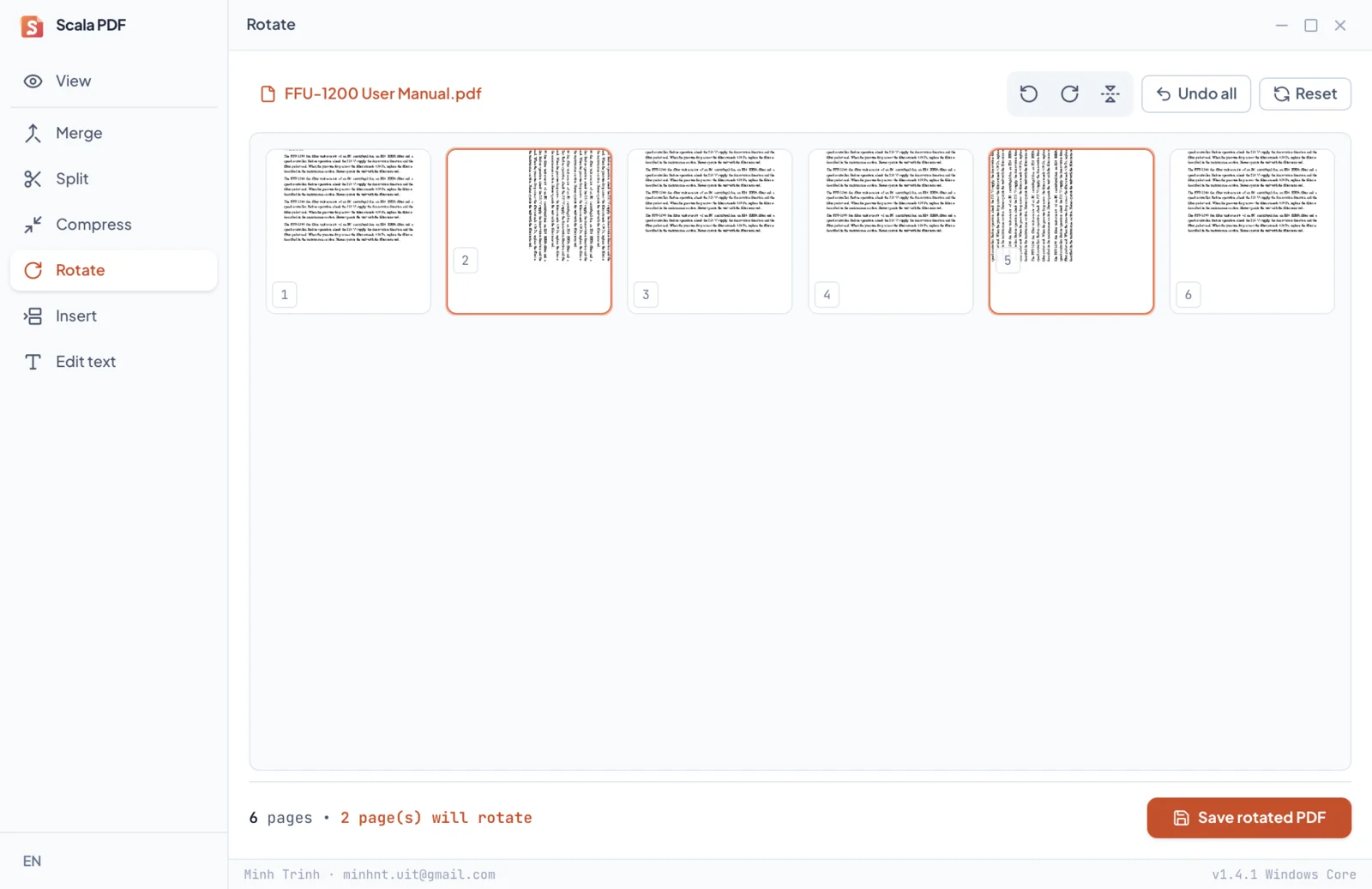
Visual thumbnail grid of every page in your document. Rotate individual pages or the entire file in bulk, click to inspect in full detail, undo mistakes instantly, and export safely to a new PDF.
Insert & reorder
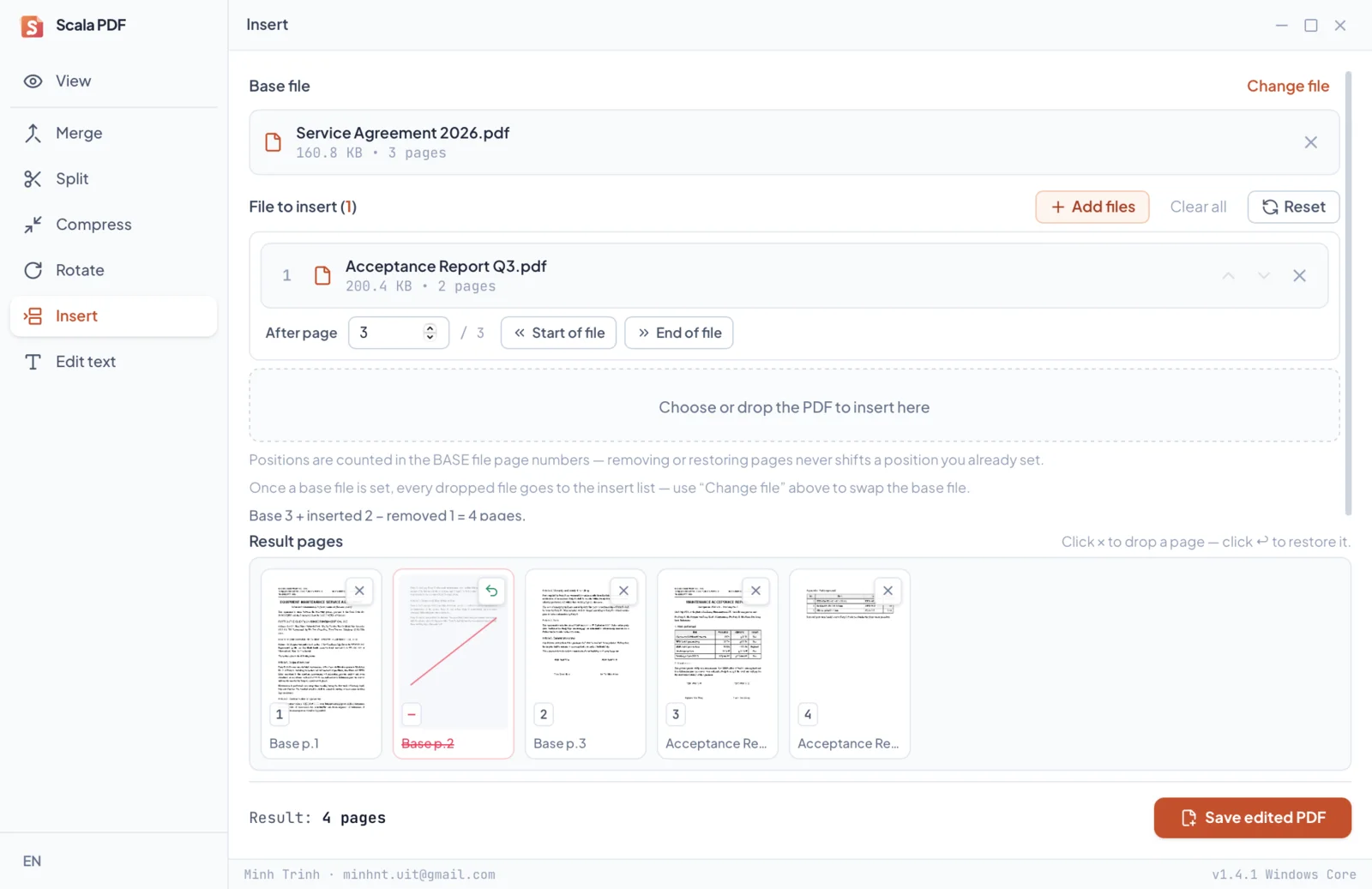
Combine documents with pinpoint accuracy: select your base file, add secondary documents, and specify exact insertion positions (after any designated page). A visual preview strip displays the resulting sequence, letting you discard unneeded pages with a click or restore them anytime.
Edit text Beta
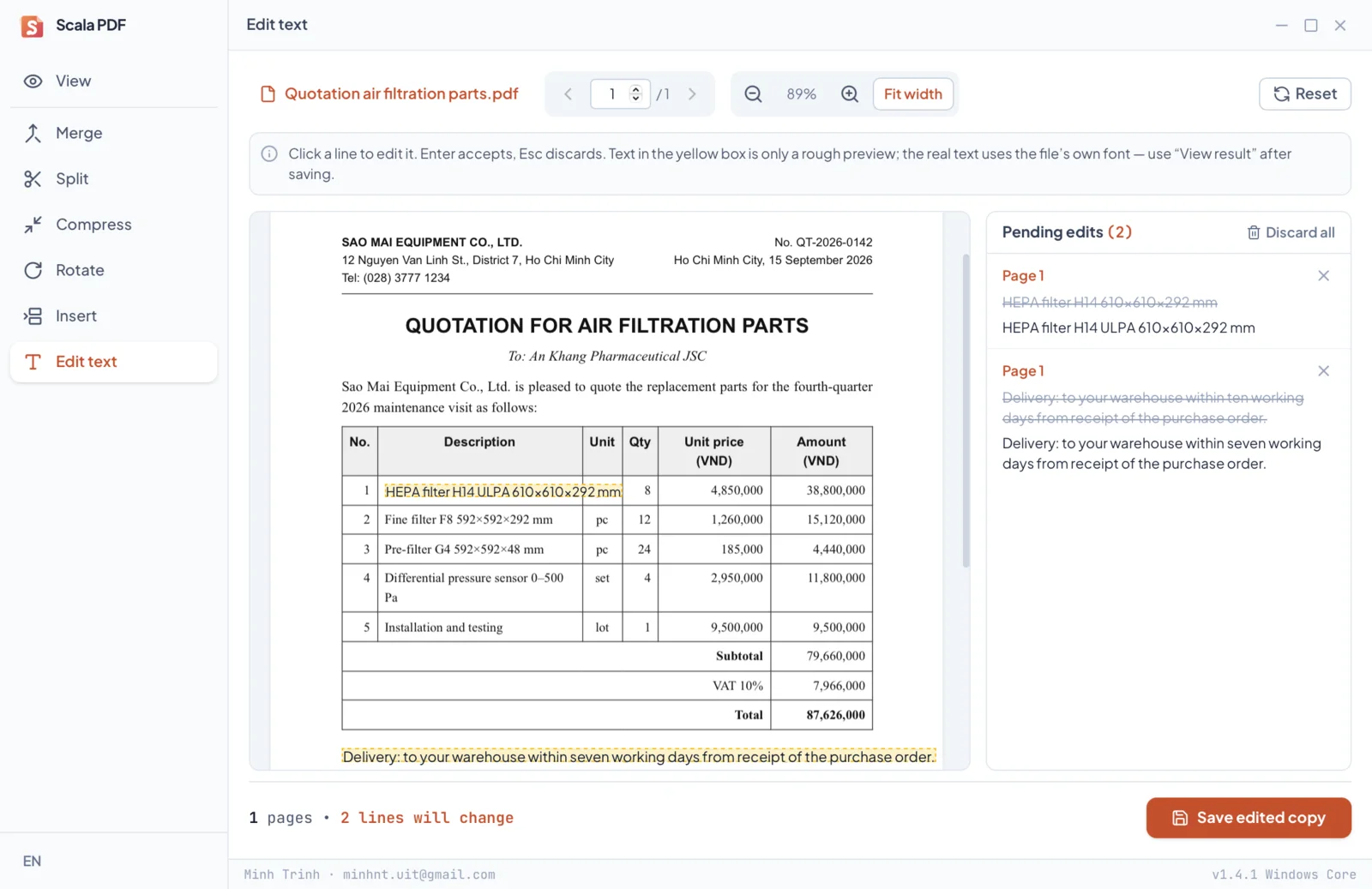
Direct in-place text editing: click any text line, enter your changes, and save to a new PDF. The rest of the document remains 100% pixel-perfect. Optimized for digital PDFs exported from Word, Excel, accounting systems, and digital invoices.